








المولد
تاريخ
مُنشئ تخطيطات الأرض الاصطناعية
أداة التغيير
النموذج
أساسي
تبديل
الغرف
غرفة النوم
-
2
+
حمام
-
1
+
مطبخ
开放式
封闭式
总面积
وحدة مقياس
مقياس إمبراطوري
مقياس إمبراطوريمنطقة
< 50㎡
50-80㎡
80-100㎡
100-120㎡
120-150㎡
> 150㎡
附加设施
خزانة الملابس التي تتمكن من الدخول فيها
غرفة الغسيل
غرفة التخزين
غرفة الأعمال المتعددة
مكتب المنزل
جراج
خزانة الأطعمة
غرفة المعيشة والطعام المشتركة
بالكوني

Unlock Your Dream Layout with Our AI Floor Plan Generator
Searching for a reliable google floor plan maker? Ideal House provides an intuitive AI Floor Plan Generator that transforms your design concepts into professional 2D floor plans in seconds. Perfect for homeowners, designers, and real estate professionals, our tool simplifies complex layouts and brings your vision to life with unprecedented speed and accuracy. Experience the future of home design today.
Generate My Floor Plan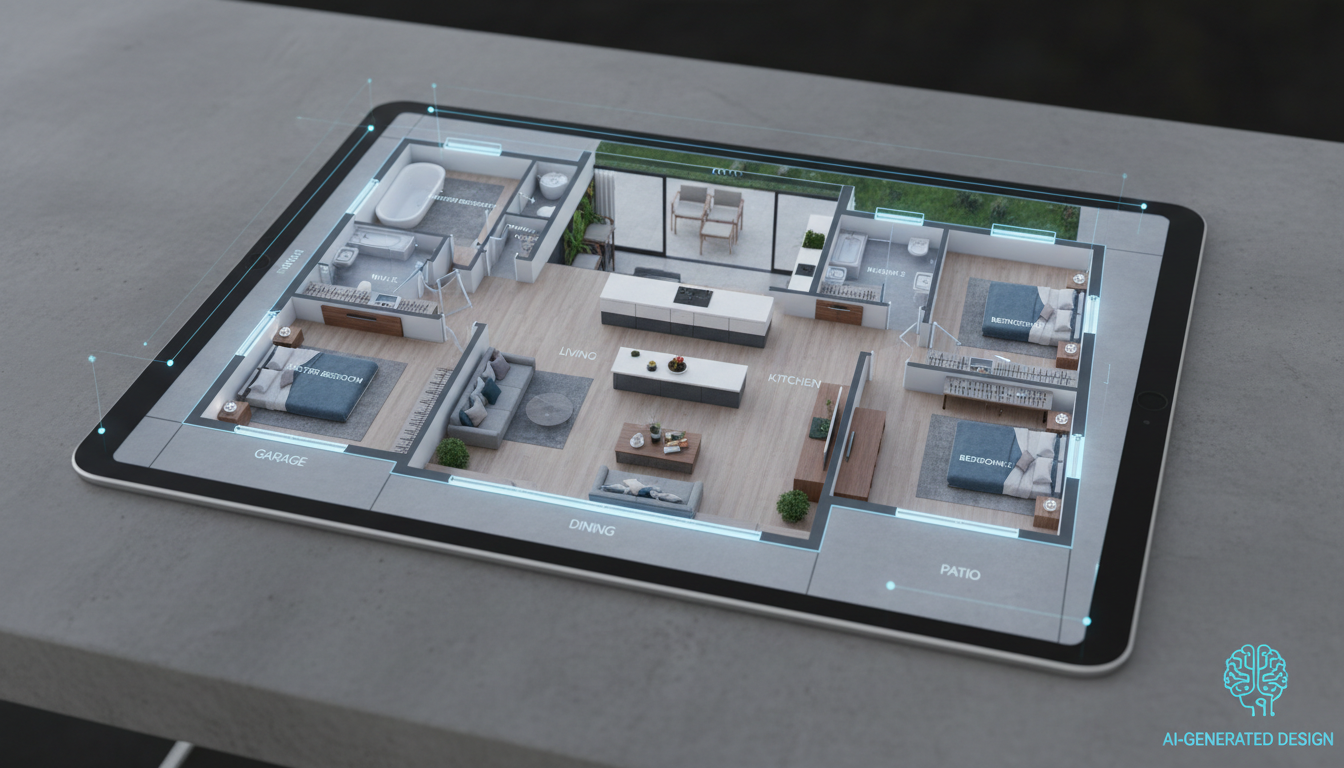


Why Ideal House is Your Go-To Google Floor Plan Maker
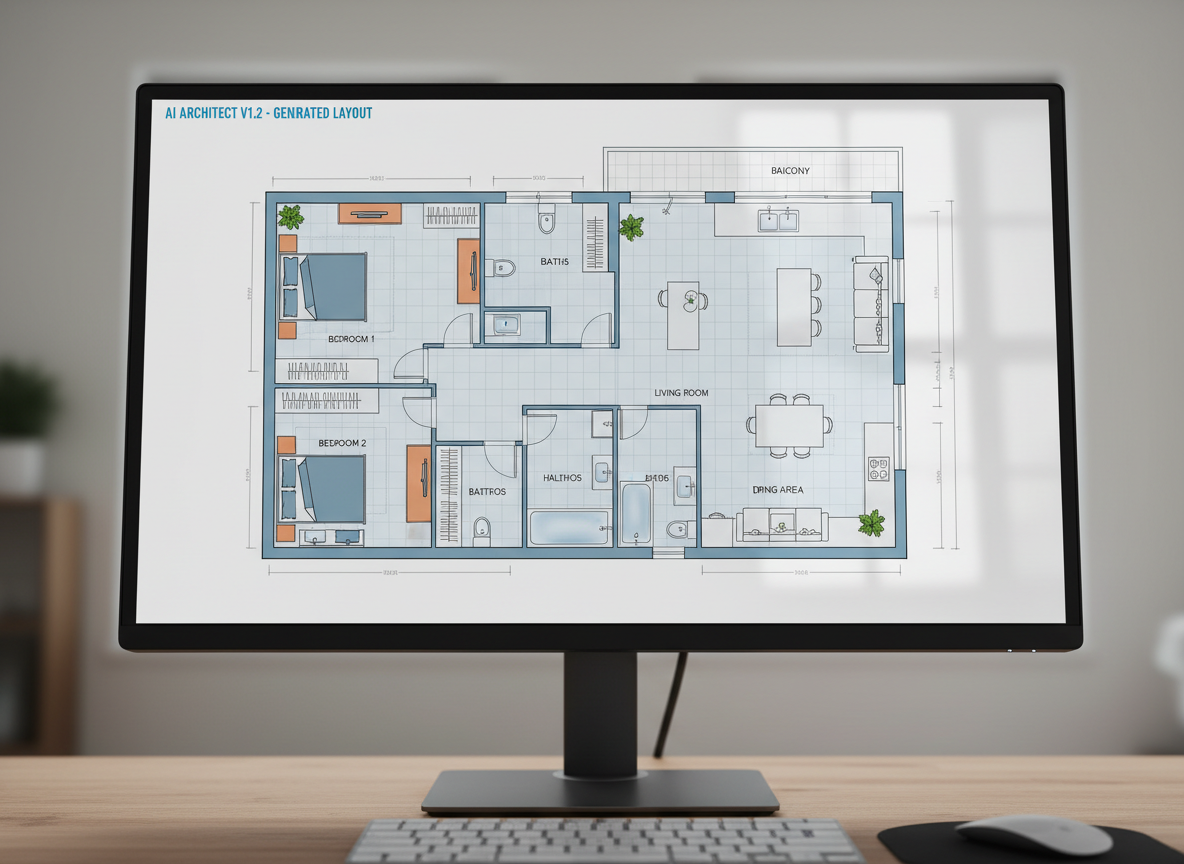
Instant 2D Floor Plans
Stop sketching by hand and start generating. Our AI floor plan maker creates clear, presentation-ready 2D floor plans from your specifications in moments. This rapid generation means more time for creative iteration and less time on tedious drawing, making it the ultimate free floor plan creator for quick concepts.
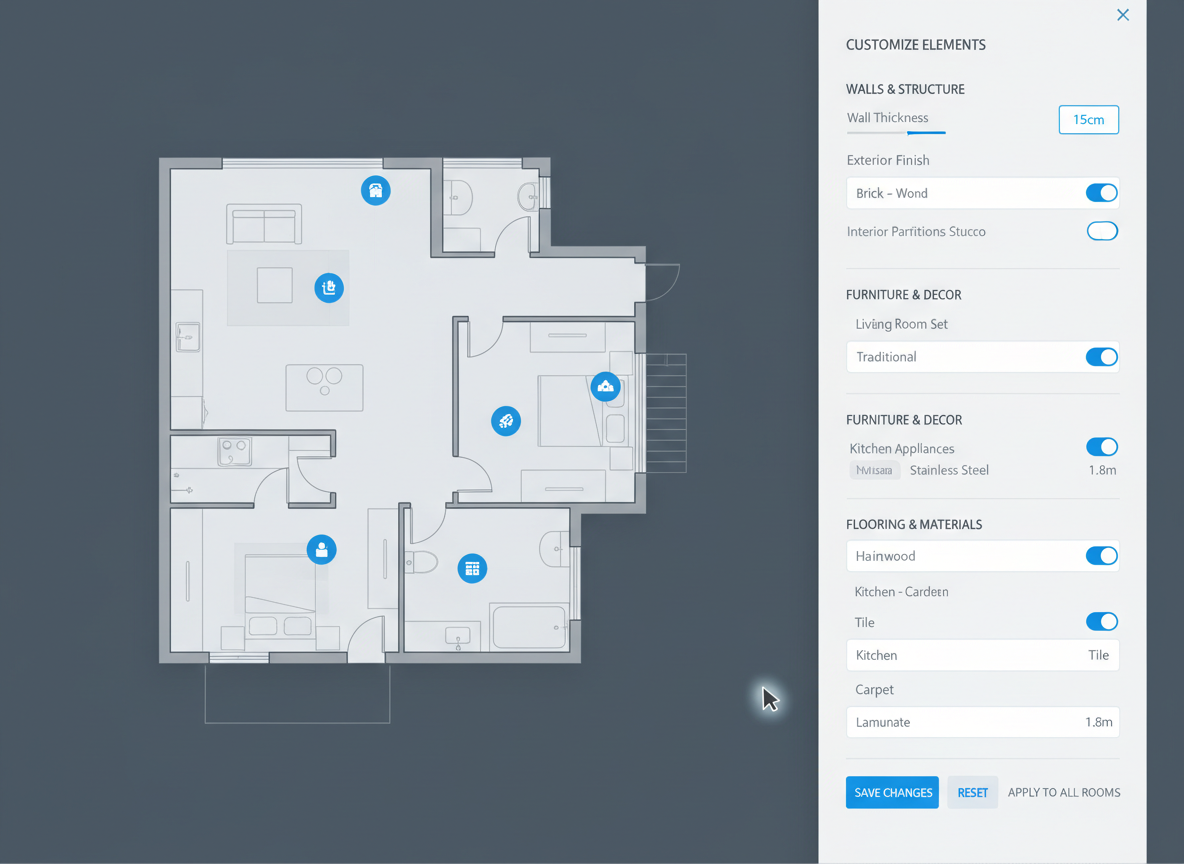
Customizable & Intuitive Controls
As a leading google floor plan maker, Ideal House offers robust customization. Easily adjust parameters like bedrooms, bathrooms, kitchen style (open/closed), and gross area. Add essential extras like a walk-in closet, laundry room, or home office to shape your custom floor plan precisely to your needs.

Perfect for Every Professional
From real estate agents needing quick floor plan visuals for listings to interior designers exploring room layout planner options, our tool caters to diverse professional needs. Generate detailed residential floor plans that enhance presentations, streamline client discussions, and accelerate project approvals.
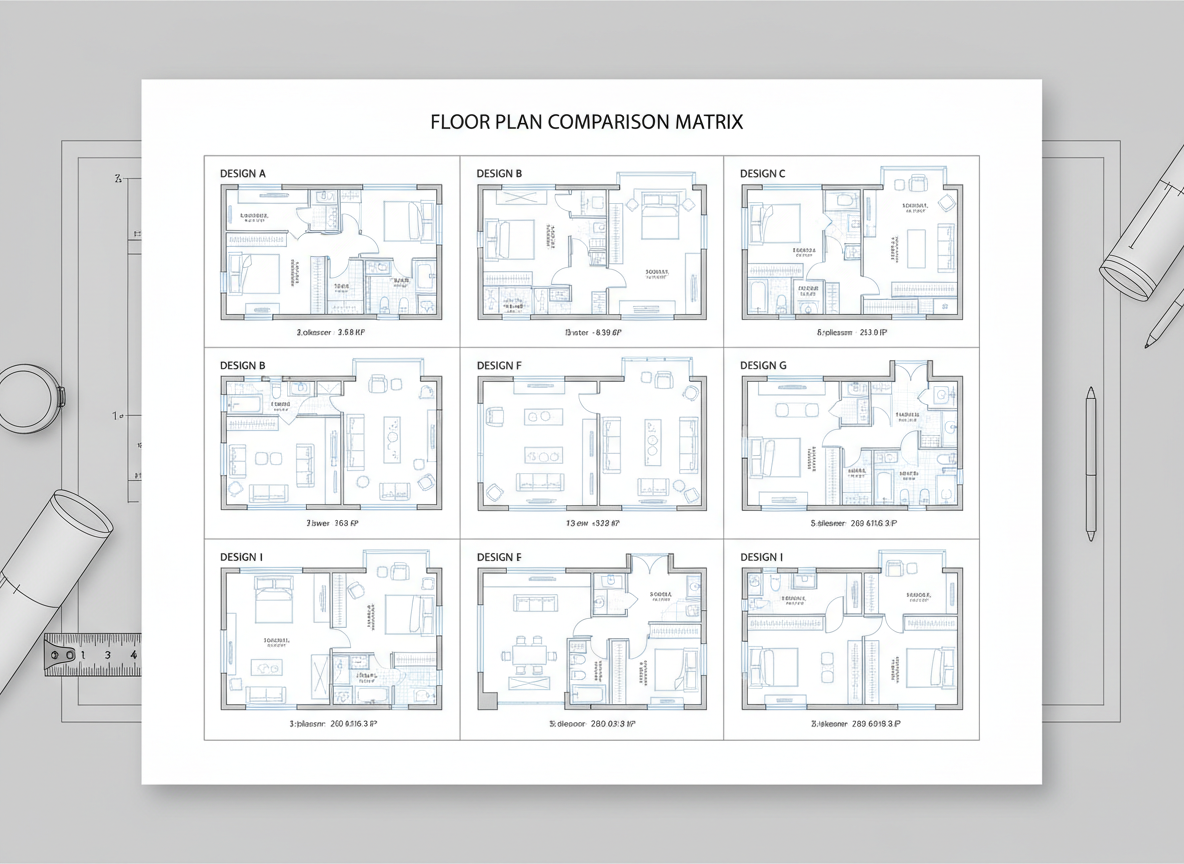
Save and Compare Designs
Every digital floor plan you create is automatically saved in your Generation History. This allows you to effortlessly compare different layouts, refine your ideas, and select the perfect building plan generator output. This feature ensures you always have a record of your design journey and can easily revisit previous concepts.

Who Benefits from Our AI Floor Plan Generator?

Homeowners planning renovations or new builds, looking for an easy online floor plan design.

Interior Designers and Decorators seeking a fast architectural drawing software for initial concepts.

Real Estate Professionals needing clear, consistent 2D real estate floor plans for listings.

Your Guide to Using Ideal House AI Floor Plan Generator
1
**Define Your Space:** Choose the desired number of bedrooms (0-4) and bathrooms (1-3) to establish the core of your home design tool blueprint.
2
**Select Kitchen Style & Size:** Opt for an open or closed kitchen layout and pick a gross area range to guide the overall scale and proportions of your floorplan app design.
3
**Add Personalized Features:** Incorporate essential extras like a walk-in closet, laundry room, home office, or balcony to tailor the interior layout designer output.
4
**Generate Your Plan:** Click 'Generate' to instantly produce a precise 2D floor plan. Our google floor plan maker handles the complexities, delivering a ready-to-use digital floor plan.
5
**Review & Refine:** Explore your generated plans in the History, compare options, and easily adjust parameters for new iterations. This allows for quick, informed decisions.
6
**Download & Share:** Export your preferred floor plan as an image or PDF to share with clients, contractors, or to feature in property listings.
Frequently Asked Questions About Our AI Floor Plan Maker
How does the AI create a floor plan from my selections?
Our AI floor plan generator leverages advanced algorithms to interpret your input—beds, baths, kitchen type, gross area, and extras—applying standard design principles for adjacency and circulation. It intelligently drafts a clear 2D floor plan, presenting a fresh concept with each click.
What are the customization ranges and defaults for this floor planner?
You can select 0-4 bedrooms (default 2), 1-3 bathrooms (default 1), and choose between open or closed kitchen (default open). Gross Area is selected from predefined bands. Extras are multi-selectable, allowing for a highly personalized architectural drawing software experience.
What impact does 'Gross Area' have on the generated floor plan?
The Gross Area band is crucial for guiding the overall scale and footprint of your custom floor plan. Selecting the appropriate range ensures that rooms and corridors are proportioned realistically, leading to a more believable and functional home design tool output.
How do 'Open' vs. 'Closed' kitchen options change the layout?
An open kitchen design promotes a seamless flow and continuous sightline between living and dining areas, fostering a more communal feel. A closed kitchen, conversely, creates a distinct, separated cooking zone, ideal for those who prefer privacy and containment during meal preparation within their building plan generator output.
What specific functions do the 'Extras' serve in shaping the design?
The 'Extras' tell our google floor plan maker to prioritize specific spaces. For example, a walk-in closet will be intelligently placed near a primary bedroom, a pantry adjacent to the kitchen, and a home office in a quieter, more secluded area of the digital floor plan, optimizing functionality and flow.
Can I compare multiple generated floor plans?
Absolutely! Every floor plan created using our online floor plan design tool is automatically saved in your Generation History. You can use the 'Created with AI Floorplan' filter and switch between grid or list views to easily compare and contrast different versions side by side, helping you make the best design decision.
How fast is the generation process, and how are credits used?
Most 2D floor plan generations are completed in mere seconds. Each time you click 'Generate', the credits shown on the button are consumed. All generated results are stored in your history, ensuring you can revisit them anytime.
Is the AI Floor Plan Generator compatible with tablets?
Yes, our floorplan app is fully web-based and offers a seamless experience across devices. It performs excellently on both desktops and iPads, with settings persisting until you modify them and regenerate, ensuring a smooth and consistent design workflow.
Discover More Ideal House Design Tools

Magic Editor
Use text prompts to add specific details, like 'add terracotta pots on the balcony'.
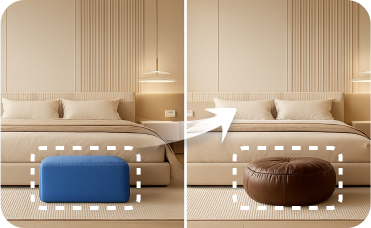
Smart Replacer
Swap specific elements in your photos. Instantly change doors, windows, or garage doors without a full renovation.
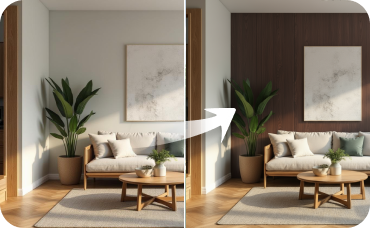
Room Visualizer
Take your design indoors and create cohesive, stunning interiors that match your new exterior.
Ready to Design Your Space?
Map your vision in minutes with our powerful google floor plan maker. Simple, fast, and professional.
Generate My Floor Plan
💰 احصل على عمولة 10% كشريك متابع لـ Ideal House.
انضم إلينا